How to Edit a User Follow

Login to www.fmPilot2.com
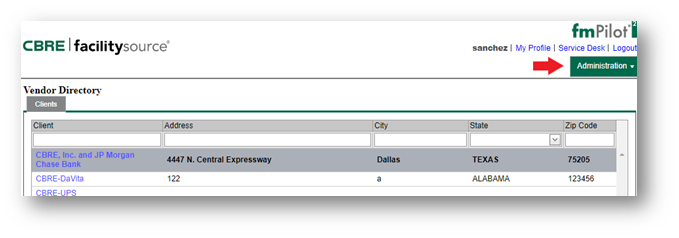
1. While on the Vendor Directory click on the Administration Tab
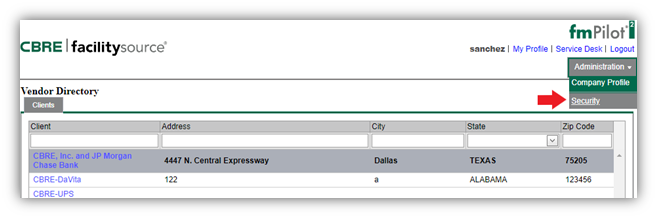
2. Select Security

3. Select the user: to Select a user, Highlight the name of the user.
Double click to highlight. Your highlight will turn blue see below image.
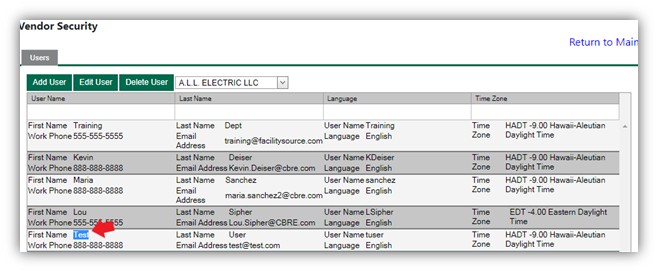
4.  Once you select the user, click "Edit User" Update user accordingly, and click "Update" to save.

Comments
0 comments
Please sign in to leave a comment.